> For the complete documentation index, see [llms.txt](https://docs.candy-smith.com/main/llms.txt). Markdown versions of documentation pages are available by appending `.md` to page URLs; this page is available as [Markdown](https://docs.candy-smith.com/main/spot-the-differences-game-toolkit/how-to-prepare-a-background-for-your-level.md).
# How to prepare a background for your level
[VIDEO](https://www.youtube.com/watch?v=iZUw1Q93264) Guide
## Main Guide
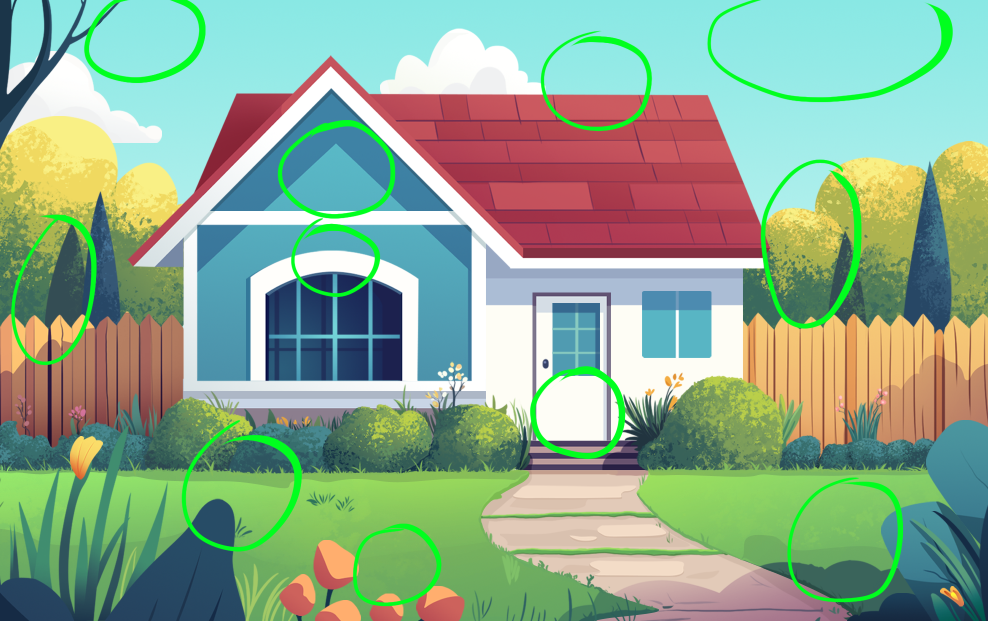
1. Create a layered background template, planning in advance which elements will be displayed/changed. The document size is 2000x1244 px.
2. Save the background with these elements hidden.
3. Save each element used in the level to the folder with background.