> For the complete documentation index, see [llms.txt](https://docs.candy-smith.com/main/llms.txt). Markdown versions of documentation pages are available by appending `.md` to page URLs; this page is available as [Markdown](https://docs.candy-smith.com/main/word-connect-game-toolkit/settings/tutorial-settings.md).
# Tutorial settings
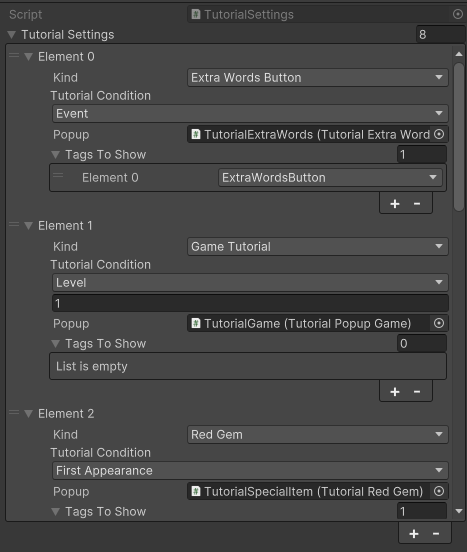
WordConnect/Settings/TutorialSettings
`Kind:` kind of the tutorial
1. **TipBoosterButton**
2. **HammerBoosterButton**
3. **ExtraWordsButton**
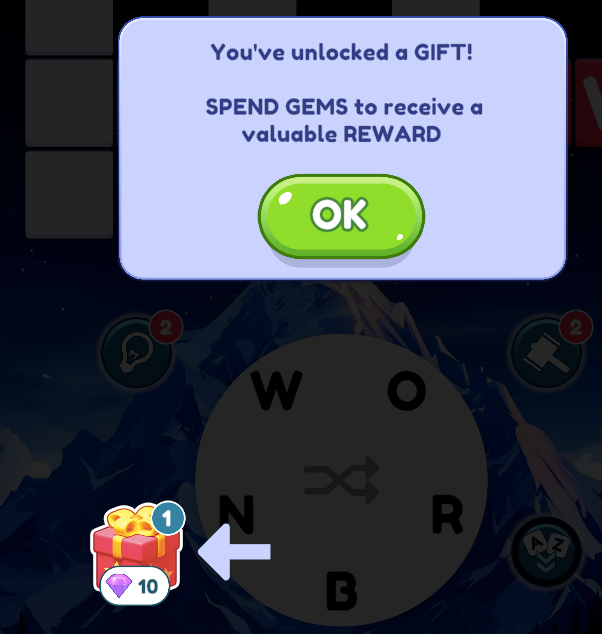
4. **GiftButton**
5. **ShuffleButton**
6. **RedGem**
7. **GameTutorial**
8. **TimeTutorial**
**For GameTutorial selecting first word of the Crossword**
`Tutorial condition:` There are several tutorials can be shown: Level, Event, First appearance\
\
**`Tags To Show:` select the tag of UI element to highlight it**